Timeline & stop markers
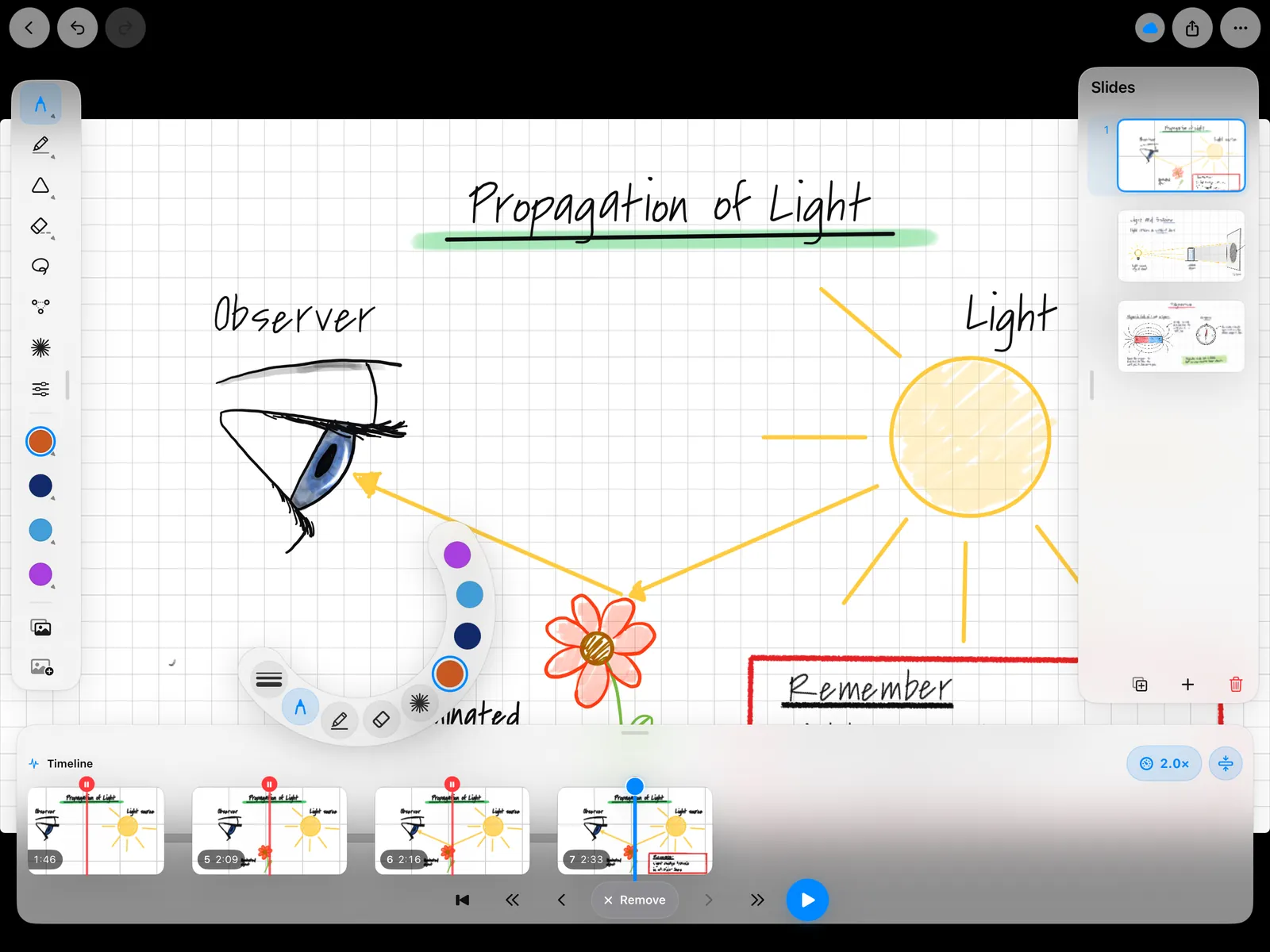
Prepare the complete board and place stops at meaningful points. Playback builds the board over time and pauses automatically at your markers.
PauseInk combines handwritten work on iPad with a timeline. Prepare a complete board in advance and use stop markers to decide when each part appears — without creating a separate slide for every intermediate step.

Currently free · ad-free · no account
How it works
In front, the iPad with tools and timeline; behind it, the projector image: playback writes the prepared board stroke by stroke and pauses at every stop marker.
Write the board in advance with Apple Pencil – at home or in a free period.
Decide where playback should pause.
Play it back, explain at each stop marker and add to it live when needed.
PauseInk is built for lessons where prepared content should not appear all at once. The timeline turns one board into a step-by-step presentation while leaving room for spontaneous additions.
Prepare the complete board and place stops at meaningful points. Playback builds the board over time and pauses automatically at your markers.
Draw and add content during the lesson, move back through the timeline and continue exactly where you need to.
A connected display shows only the canvas. Tools, timeline and controls stay on the iPad.
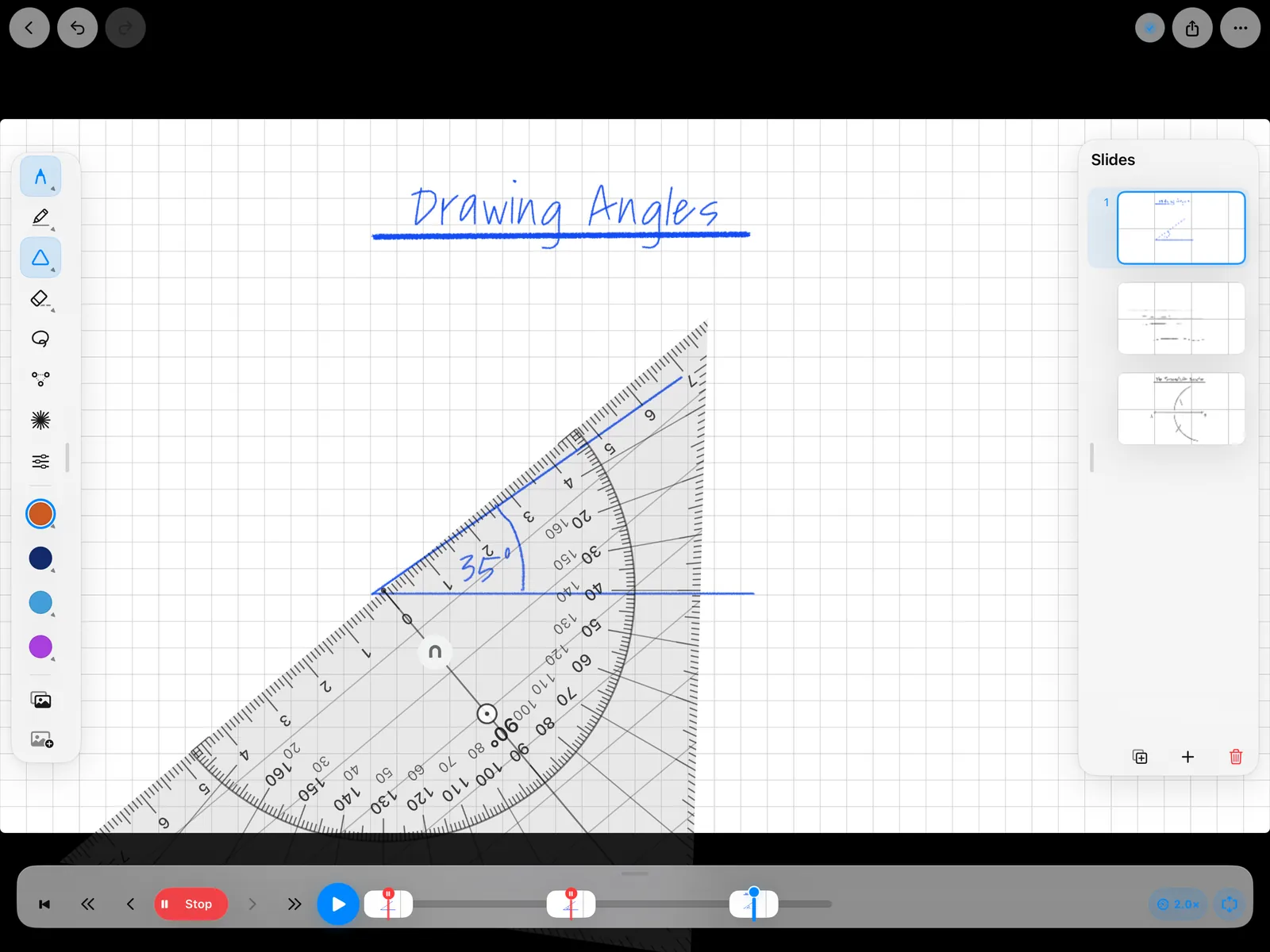
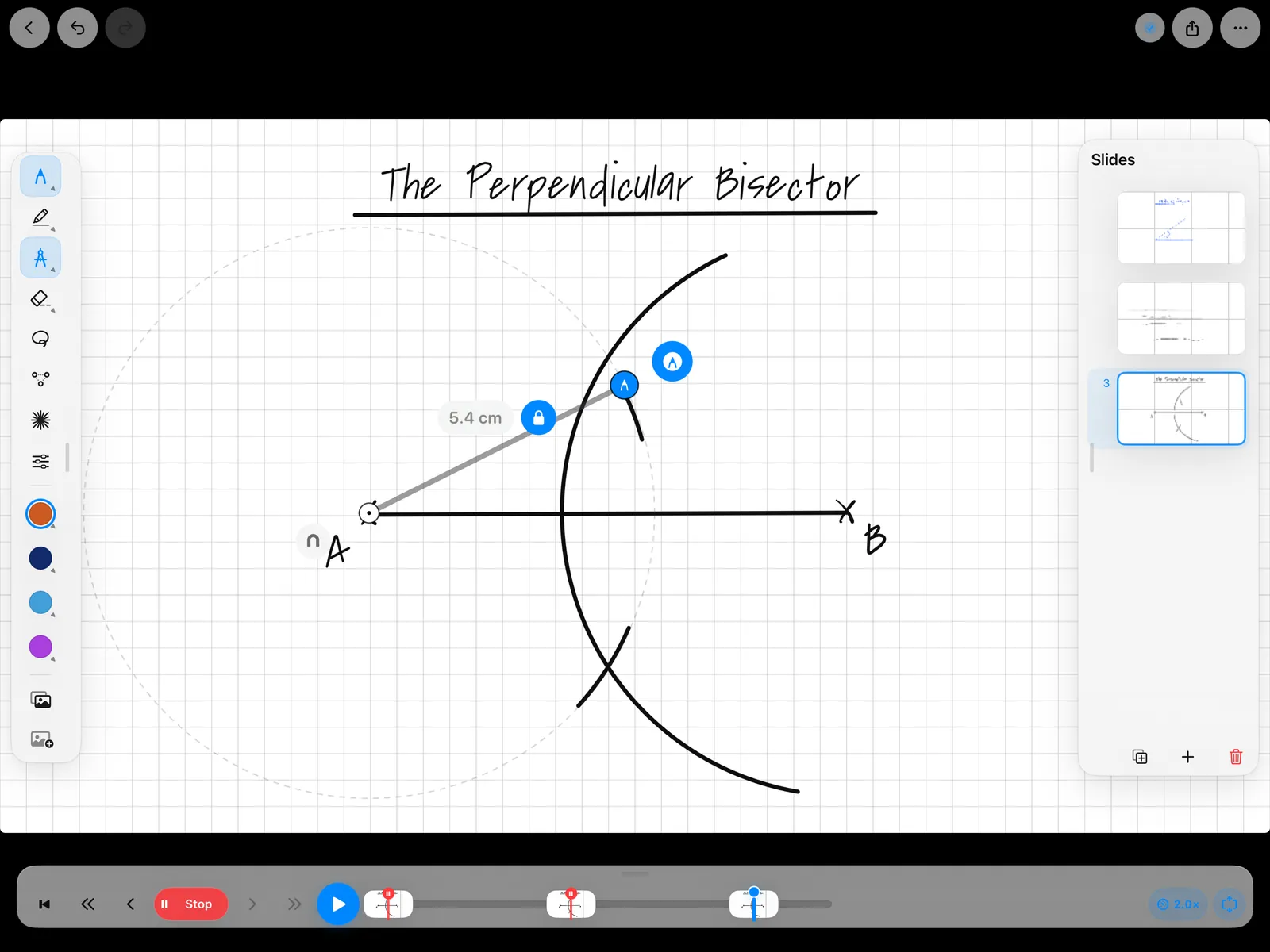
Pens, eraser, shapes, set square, compass and other tools support handwritten teaching material.
Place teaching material on the canvas and annotate it with your own notes and drawings.
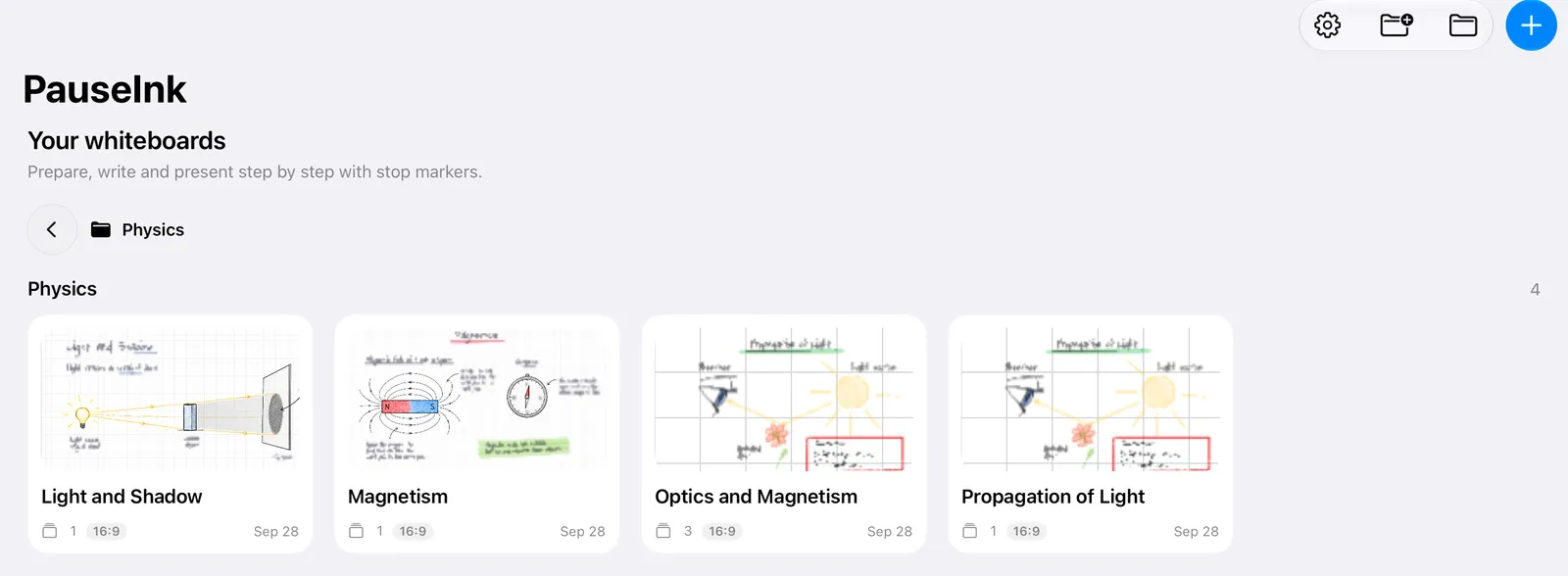
Store projects locally or in a location you choose, such as iCloud Drive – without a PauseInk account.
Keep the controls on iPad while prepared content is revealed step by step and extended live.
PauseInk is made for iPad and requires iPadOS 17 or later.
Apple Pencil is recommended but not required: in Settings, under “Writing”, you can turn on “Draw with Finger”.
With a cable (USB-C or an HDMI adapter) or wirelessly via AirPlay, for example through an Apple TV. The external display shows only the board; tools and timeline stay on the iPad.
Yes. Slides can be exported and shared as PDF. Whole projects can be shared as PauseInk files and opened in PauseInk – including timeline and stop markers.
Wherever you decide: locally on the iPad or in a folder you choose, such as iCloud Drive. PauseInk has no user account, no ads and no tracking.
The app is available in German, English, French, Spanish, Polish, Danish and Italian. Dutch is coming with the next update.
PauseInk is currently free and ad-free. The pricing model may change in the future; ad-funded use is not planned.
PauseInk is currently available free of charge on the App Store. The app contains no advertising, and no ad-funded use is planned for the future.